BodyVisionAI

Train with the camera Weight training · HIIT · Dance

The training assistant that sees every rep.

Point your phone's camera and every move turns green, yellow or red in real time. Weight training on your phone; HIIT and dance with the video on your living-room TV.

  • Green — good form
  • Yellow — watch your form
  • Red — fix it

7 days free once you add your card

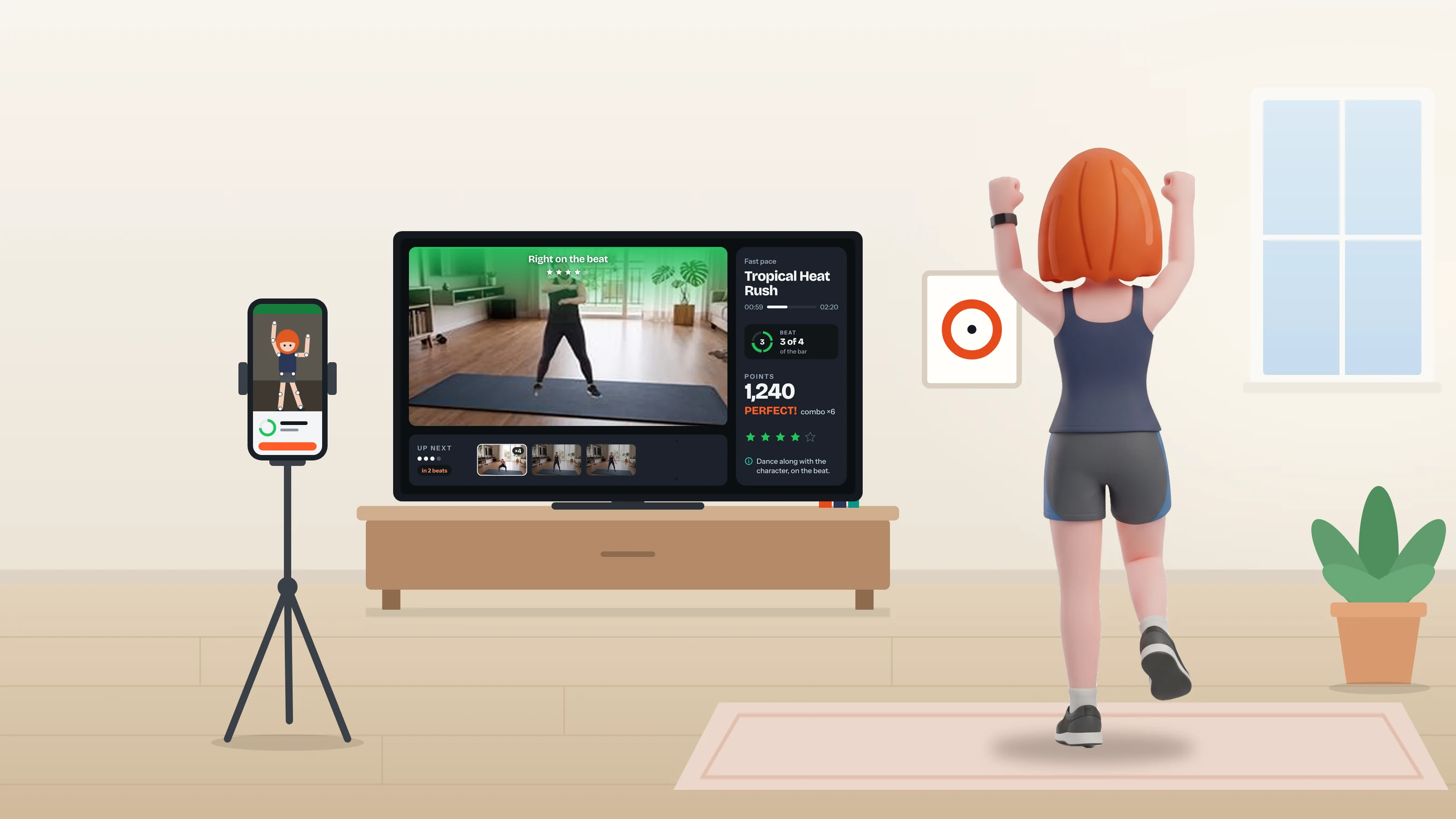
Back view: she dances in the living room while the TV shows the choreography and the score, and the phone on a tripod beside her films
The workout video plays on the TV. The phone propped beside it is the camera that corrects you.

01 · Camera

The camera checks every rep.

Prop up your phone, get your whole body in frame and start. The app tracks your joints and responds instantly — no pausing to check.

  • GreenFull range of motion. The ✓ counts the rep.
  • YellowStopped halfway? You didn't go all the way.
  • RedThat rep didn't count. Fix it before the next one.

33 exercises with camera form checks Video and images never leave your phone
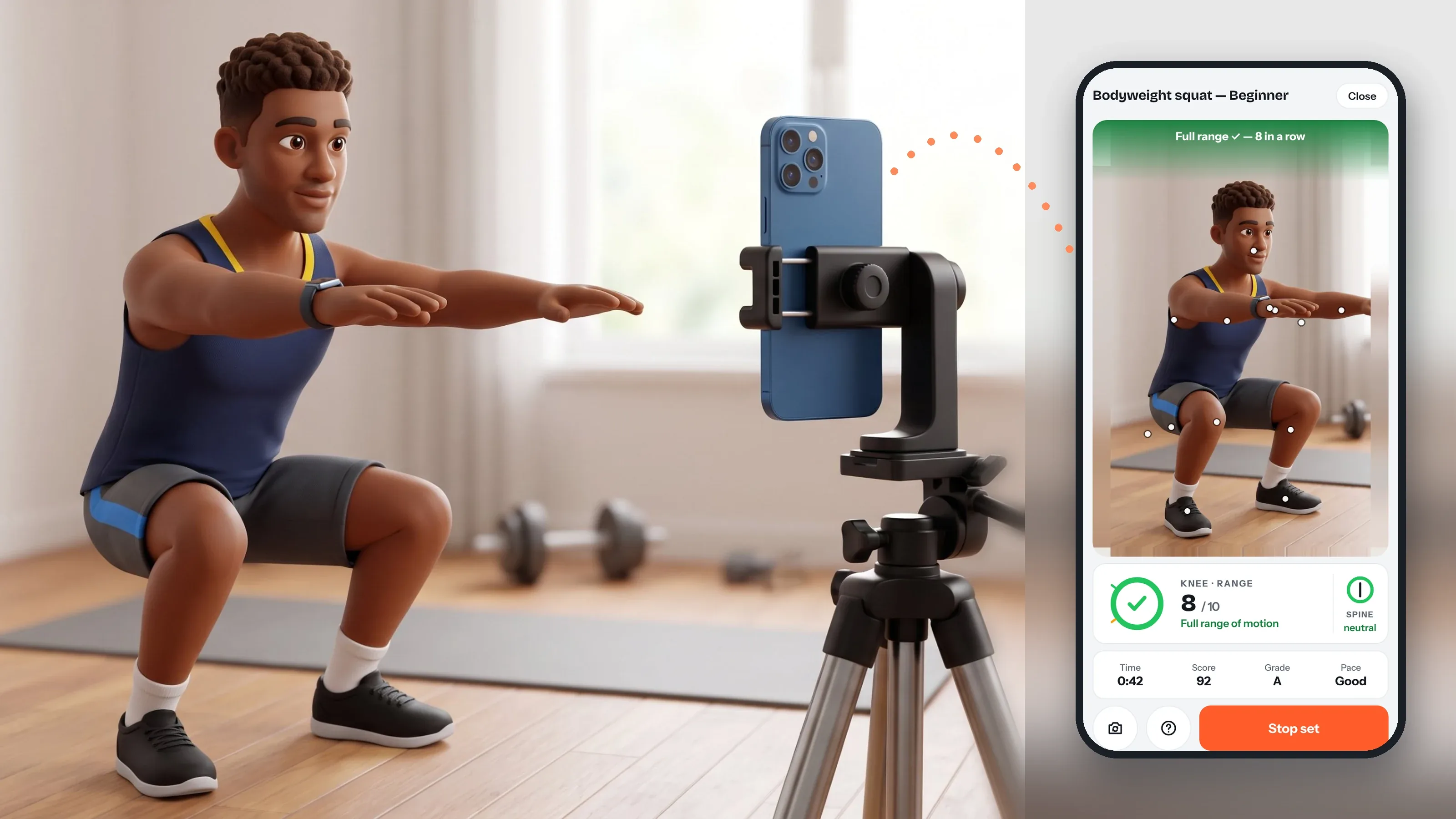
He squats facing the phone standing on a tripod; beside it, the app screen shows the camera with the range-of-motion ring below
Fills as you go down
Yellow: not all the way
Green and ✓: rep counted
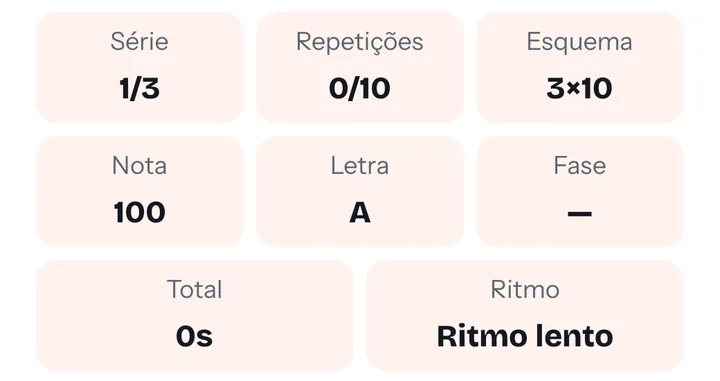
Set panel in the app: set, reps, scheme, score, grade and pace
During the set, the panel shows reps, score, grade and pace.

02 · Three modes

A way to train for every day.

The same camera feedback in all three. Switch modes whenever you like.

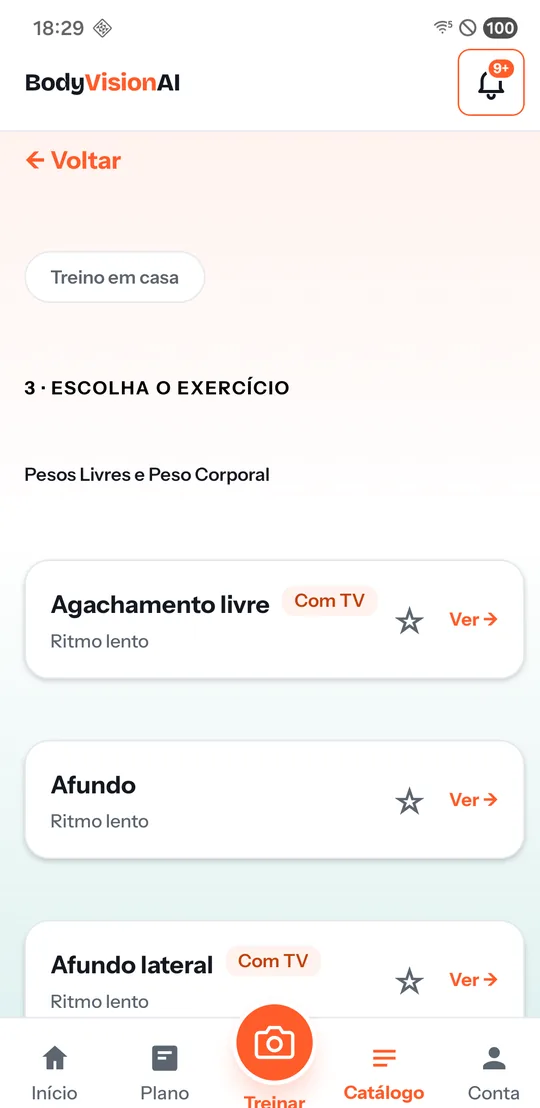
Weight training catalog in the app: free squat, lunge and side lunge

With TVPhone only

Weight training

  • 33 exercises with camera form checks
  • By muscle and equipment
  • ABC or ABCDE weekly splits
See weight training →
He does jumping jacks in the living room; the TV plays the studio video and, beside the tripod, the phone screen tracks the movement

With TV

HIIT

  • Ready-made workouts from 3 to 30 minutes
  • Studio video on the TV, form checks on your phone
  • Whole body checked on every rep
See HIIT →

With TV

Dance

  • Choreographies on the TV, from slow to fast
  • A score on every beat: Perfect, Good or X
  • Combo and scoreboard on the big screen
See dance →
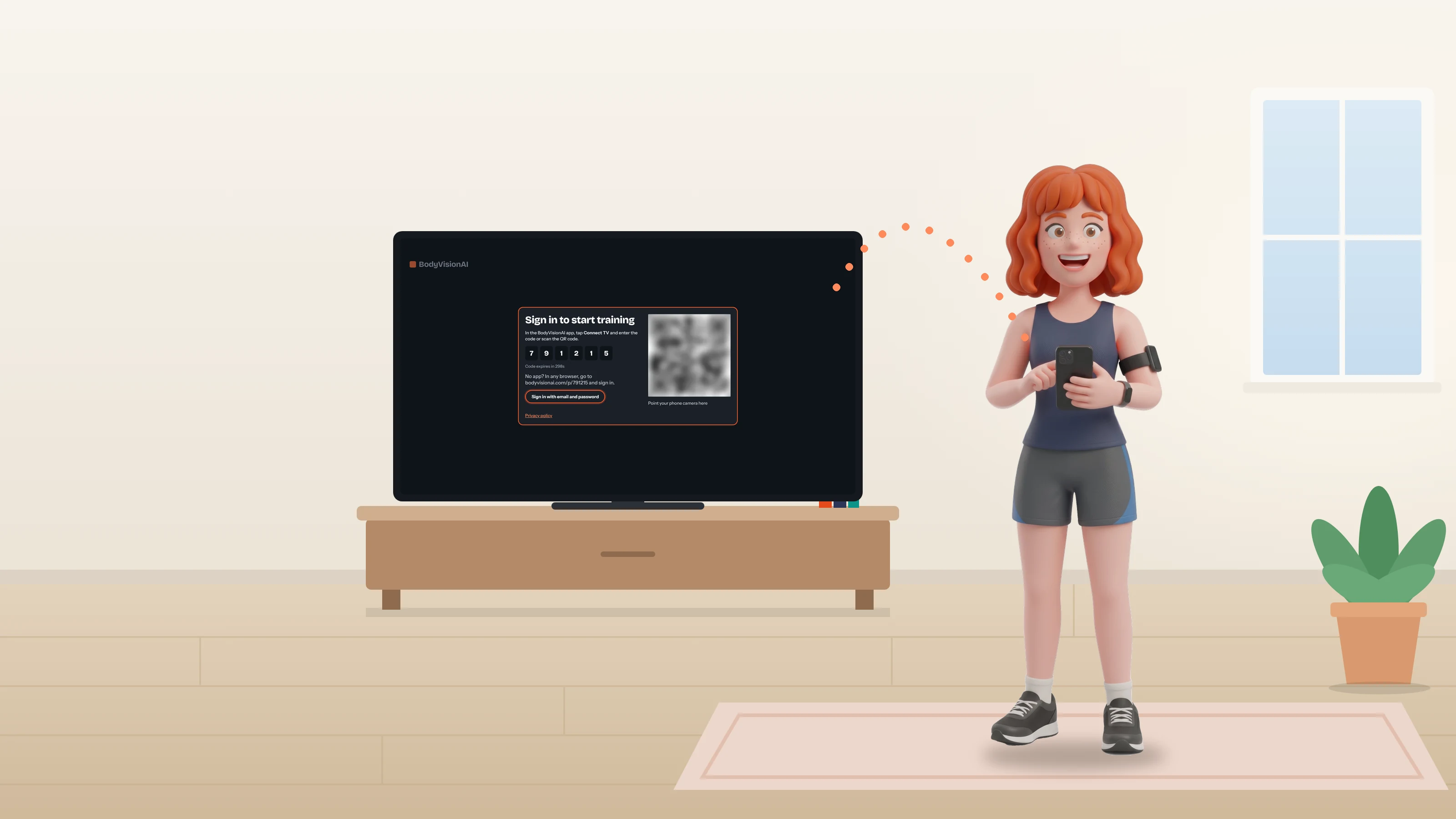
She holds the phone on the Connect TV screen; the TV behind her shows the code and the QR code

03 · Multi-screen

The TV shows. The phone corrects.

HIIT and dance with the video big on your living-room TV and your phone propped beside it, filming. No cables.

  1. On the TV, open the BodyVisionAI app from your TV's app store — or bodyvisionai.com/tv in the browser.
  2. In the app, tap Connect TV and scan the QR code — or type the 6-digit code.
  3. Prop up your phone and train: video on the TV, form checks on the phone.

Essential

Up to 2 connected screens and 2 profiles

Pro

Up to 5 screens and 5 profiles, for the whole household

04 · Leaderboard and medals

Training becomes a game at home.

Every rep earns XP. Level up, win trophies and compete with the people you live with.
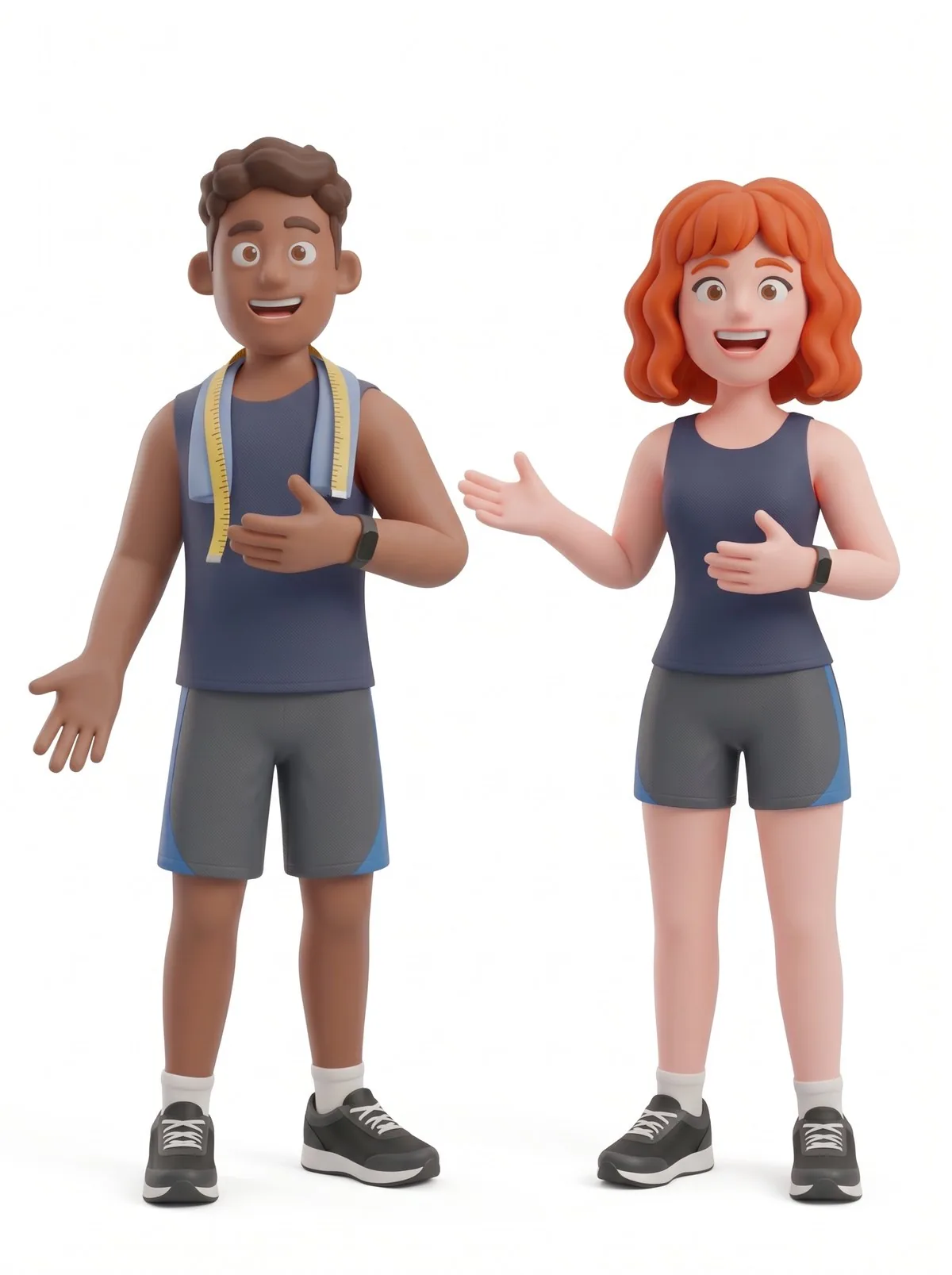
The two BodyVisionAI characters in workout clothes, presenting the household leaderboard
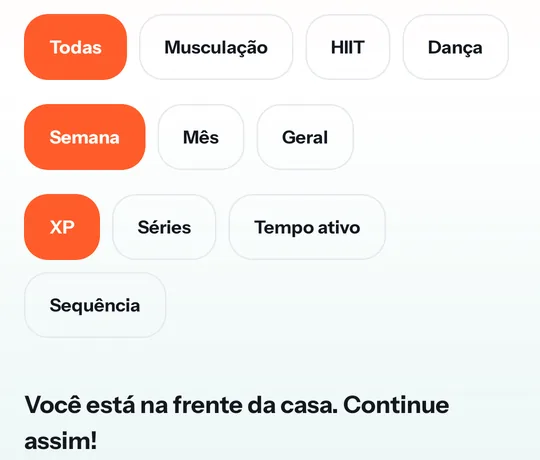
Household leaderboard in the app: filters by mode, period and metric
  • Household leaderboardEveryone you live with, on one board.
  • By modeAll, Weight training, HIIT or Dance.
  • By periodWeek, month or all time.
  • By what countsXP, sets, active time or day streak.

Trophies in 4 tiers

XP levels up to 15

Bronze

First set · Consistency 3 · Hundred · 10 sets

Silver

Solid week · Five hundred · Level 5

Gold

Level 10 · 50 sets · Perfect form

Diamond

Special trophies, added from time to time

Dance

30, 120 and 600 minutes danced · score 70, 85 and 95

HIIT

1, 10 and 50 workouts completed

Each trophy tier unlocks a frame for your avatar on the leaderboard.

Subscription

One subscription for the household.

7-day free trial after you add your card. Cancel before you are charged if you do not want to continue.

7 days free — card required

Your 7 free days start after you add your card at secure checkout. During this time you use the app as usual. When the 7 days end, the subscription is charged automatically to your card and renews automatically every cycle. To avoid being charged, cancel in My subscription before the 7 days end.

Loading…

Prefer to subscribe and sign up on one page? Open the subscription page →

Point the camera. Your workout starts in 30 seconds.